
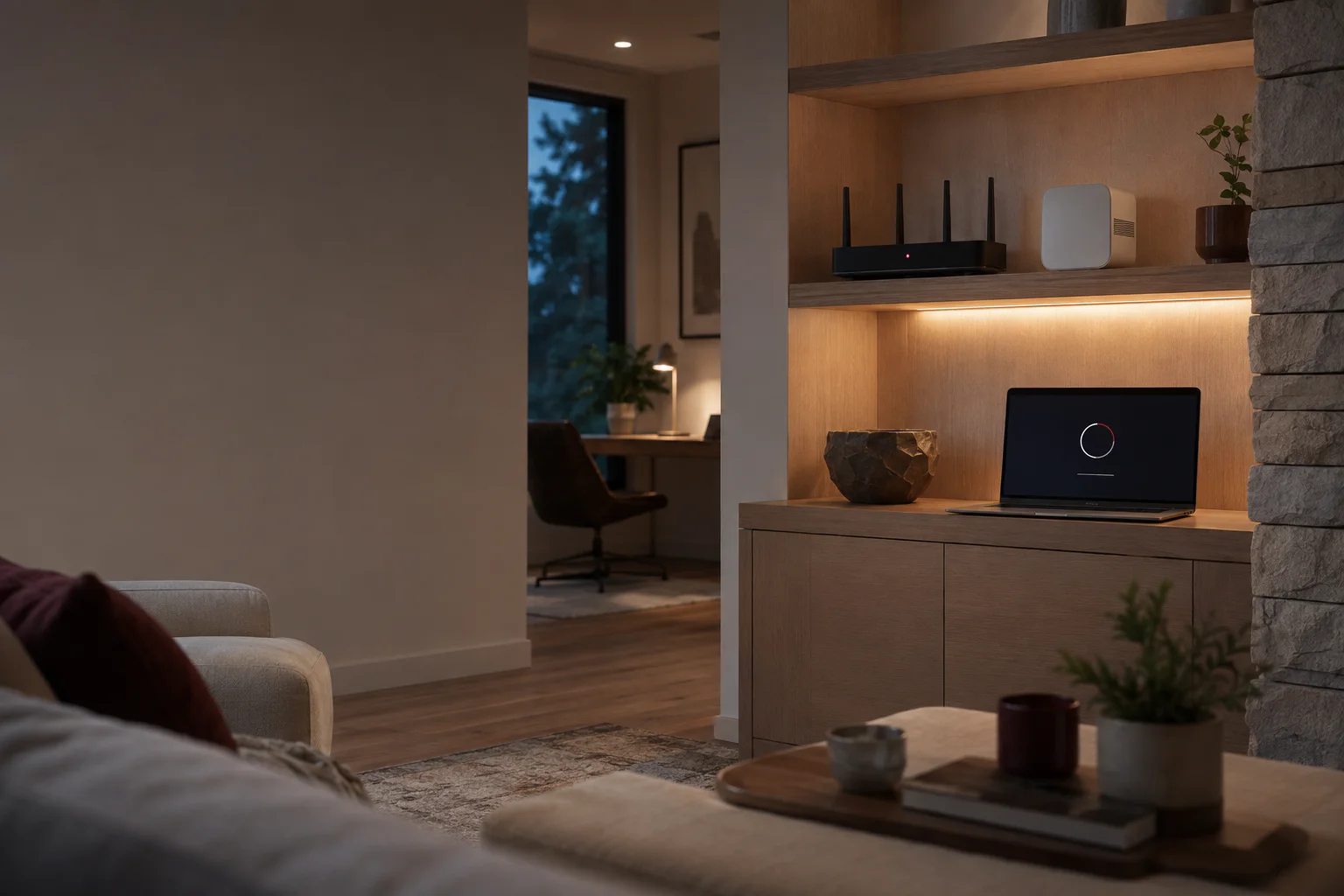
Internet speed and Wi-Fi coverage are related, but they are not the same thing. A fast internet plan cannot fix a weak signal in a distant room, and a new router cannot overcome every wall or poor placement decision.
Distance and building materials matter
Wi-Fi signals weaken with distance. Brick, concrete, metal, mirrors, tile, and large appliances can reduce coverage more than ordinary interior walls.
A router hidden in a cabinet, placed at one end of the building, or located near the floor starts at a disadvantage.
Interference can look like weak coverage
Nearby wireless networks, cordless devices, cameras, and crowded radio channels can create inconsistent performance. The problem may appear only at certain times or on certain devices.
- Test more than one device in the same location.
- Compare performance near the router and in the problem area.
- Notice whether the issue is constant or time-dependent.
- Restarting equipment may help temporarily, but repeated problems need a cause—not a ritual.
Mesh Wi-Fi helps when it is planned correctly
A mesh system uses several coordinated access points to extend coverage. Each unit still needs a strong connection to the rest of the system. Placing a mesh unit inside the dead zone usually repeats the weak signal instead of fixing it.
A wired connection between access points provides the most stable foundation when the building and budget allow it.
Measure before buying
A simple coverage review can identify weak areas, equipment limitations, and placement problems before money is spent. The right answer may be moving existing equipment, adding one access point, installing a mesh system, or improving the wired network.